


5 min read

Did you know?
With LunchME, you can share your personal profile link on social media so people can actually invite you for a coffee or meal, instead of conversations getting stuck at “we should hang out one day.”
Whether you’re networking, building your personal brand, or just open to meeting new people, sharing your LunchME profile makes it easy for others to take the next step.
Below are a few popular ways to share your LunchME profile across social platforms.
LinkedIn (Regular Account)
Add your LunchME link to your Contact Info
This is the easiest and cleanest way to make your profile discoverable.
How to do it:
Go to your LinkedIn profile
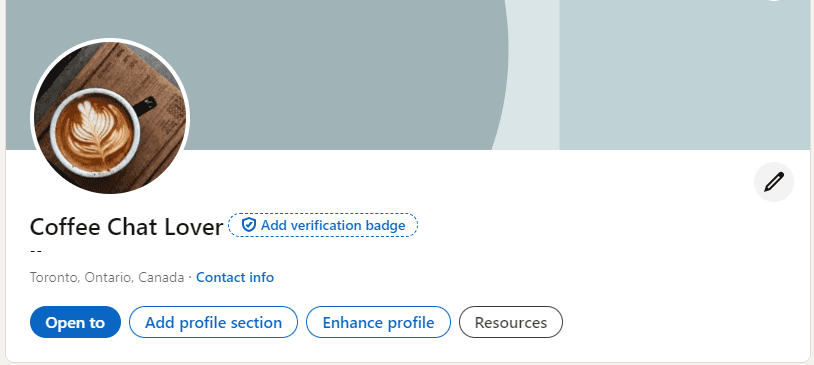
Click Contact info
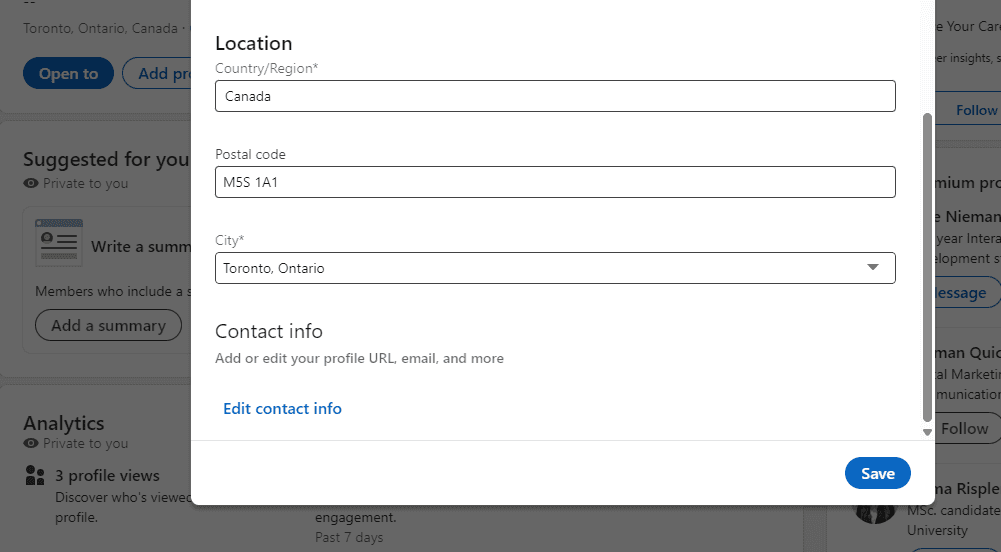
Add your LunchME profile link (You can find in your app ) under Website
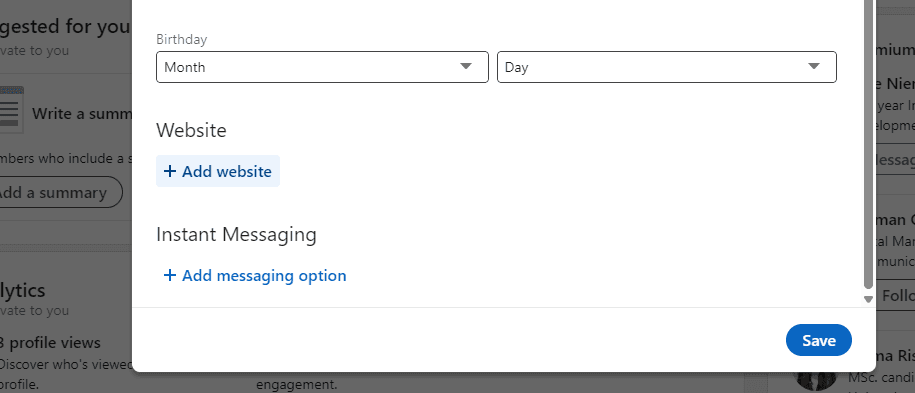
Label it something like: “Coffee Chat via LunchME”, “Meet me on LunchME”. This way, anyone viewing your profile can easily find a direct path to meeting you."
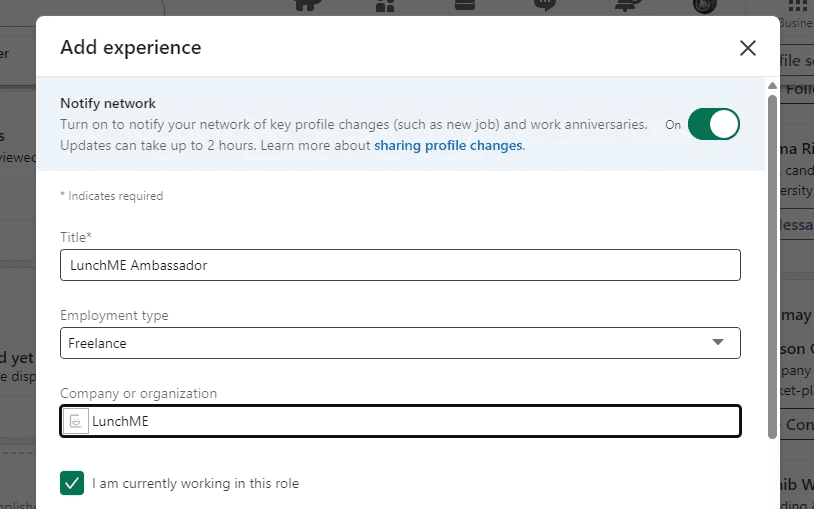
Add “LunchME Ambassador” to your Experience
If you actively use LunchME and enjoy connecting with people, this is a great way to signal openness.
Why it works:
It adds personality beyond job titles
It shows you’re open to conversations and coffee chats
It enriches your profile with a social / community angle
You can add a short description like: “Open to 1-on-1 coffee chats and meaningful conversations through LunchME.”
LinkedIn (Premium Account)
Add a “Visit My Website” button
If you’re on LinkedIn Premium, you can make your LunchME profile even more visible.
How to do it:
Go to your LinkedIn profile
Enable the Custom Button feature
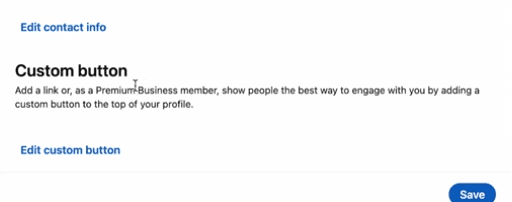
Choose “Visit My Website”
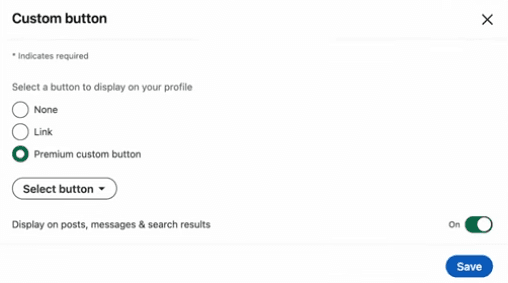
Set the link to your LunchME profile
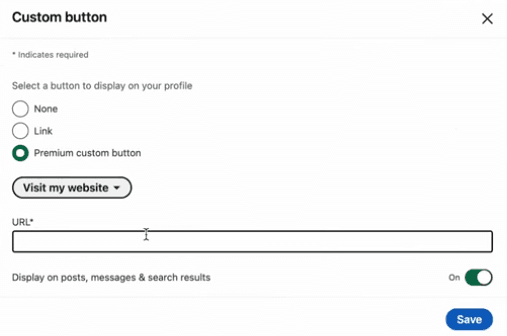
This creates a clear call-to-action button right at the top of your profile, it is perfect for turning profile views into real conversations.
Linktree (or similar bio tools)
If you already use Linktree (or Beacons, Carrd, etc.), adding LunchME is a no-brainer.
How to do it:
Log in to your Linktree
Add a new link
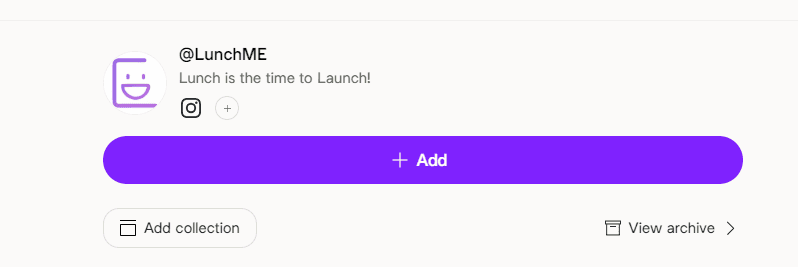
Paste your LunchME profile URL (You can find in your app )
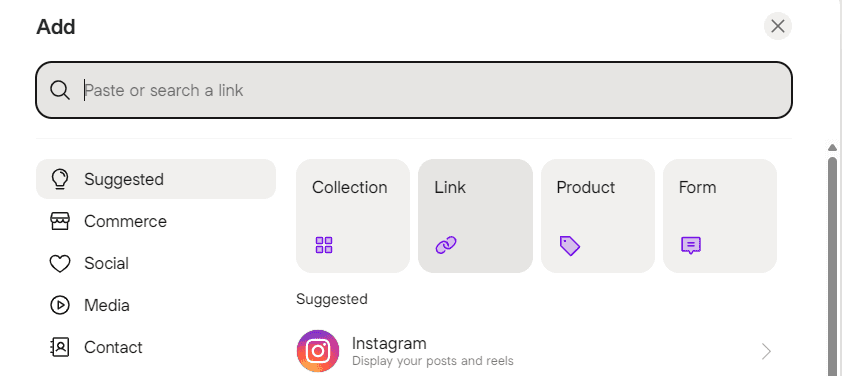
Name it something friendly like:
“☕ Coffee Chat with Me”
“Meet Me on LunchME”
This works especially well if you’re active on multiple platforms.
Instagram bios are short, so clarity matters.
Best practice:
Find "Edit profile" on your bio
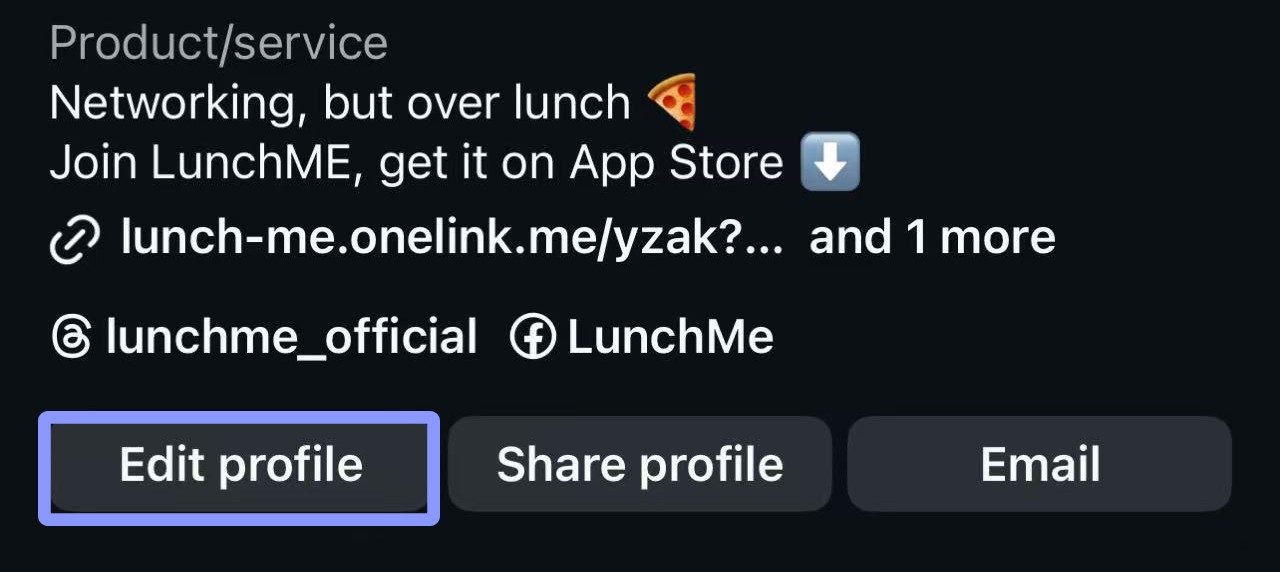
Find the section "Link"
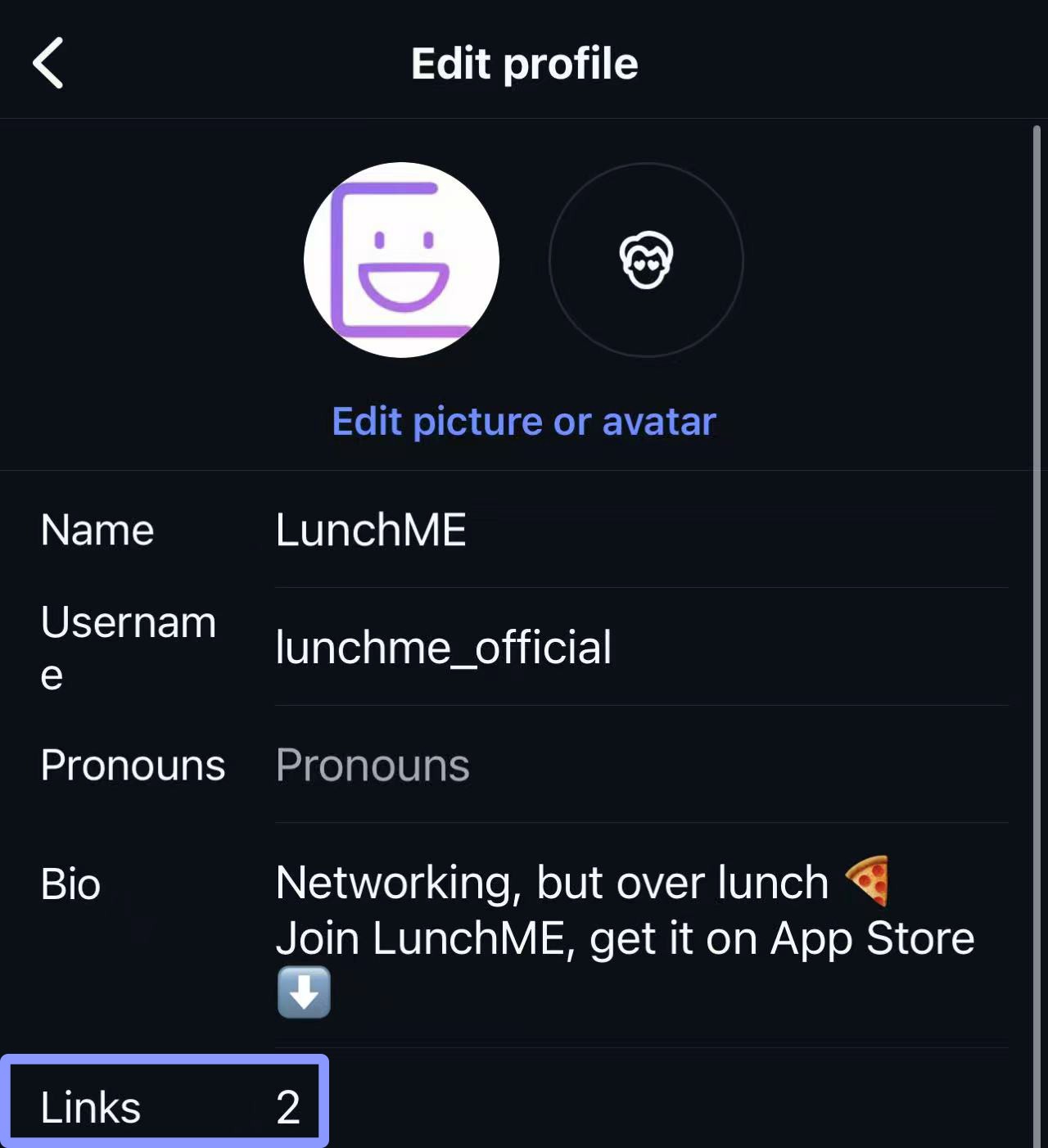
Copy and paste your LunchME your profile link (You can find in your app )
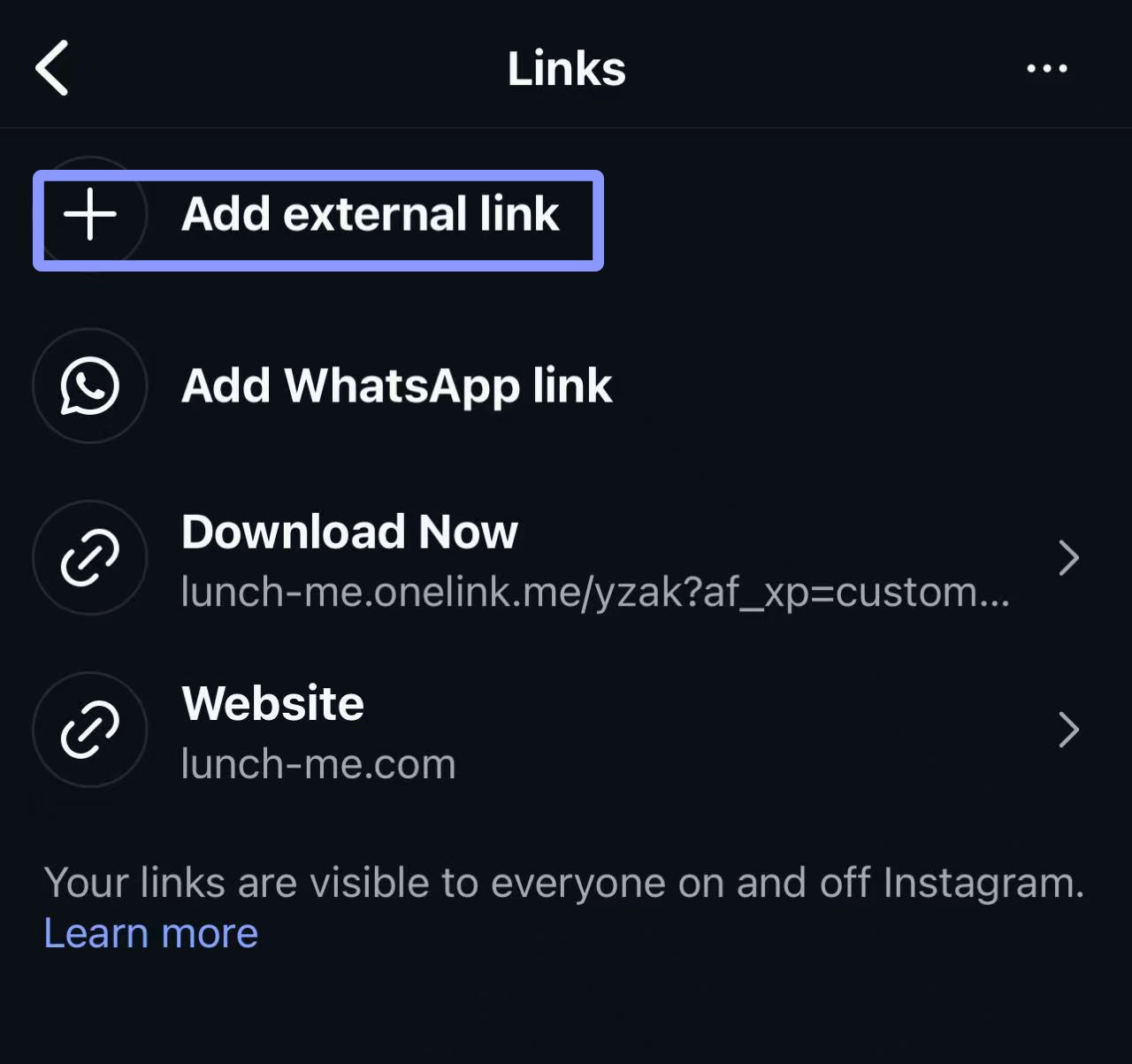
Pair it with a simple line like:
“Open to coffee chats ☕”
“Let’s meet IRL — LunchME link below”
You can also occasionally reference it in Stories or Highlights to remind people it’s there.
Why Sharing Your LunchME Profile Matters
It turns passive connections into real-life meetups
It removes the awkward “how do we actually meet?” step
It signals openness, approachability, and curiosity
It helps others reach out with clear intent
One link can lead to one conversation, and sometimes, that’s all it takes.
Questions?
If you have any questions or need help setting things up, feel free to contact us anytime.
We’ll get back to you as soon as possible.
Enjoy your lunch and coffee chat!
LunchME Team